

open-typeless
A step-by-step tutorial showing how to use Trellis to build a macOS voice input app from scratch.Source Code:
github.com/mindfold-ai/open-typeless
Step 1: Project Initialization
1.1 Create Electron Project
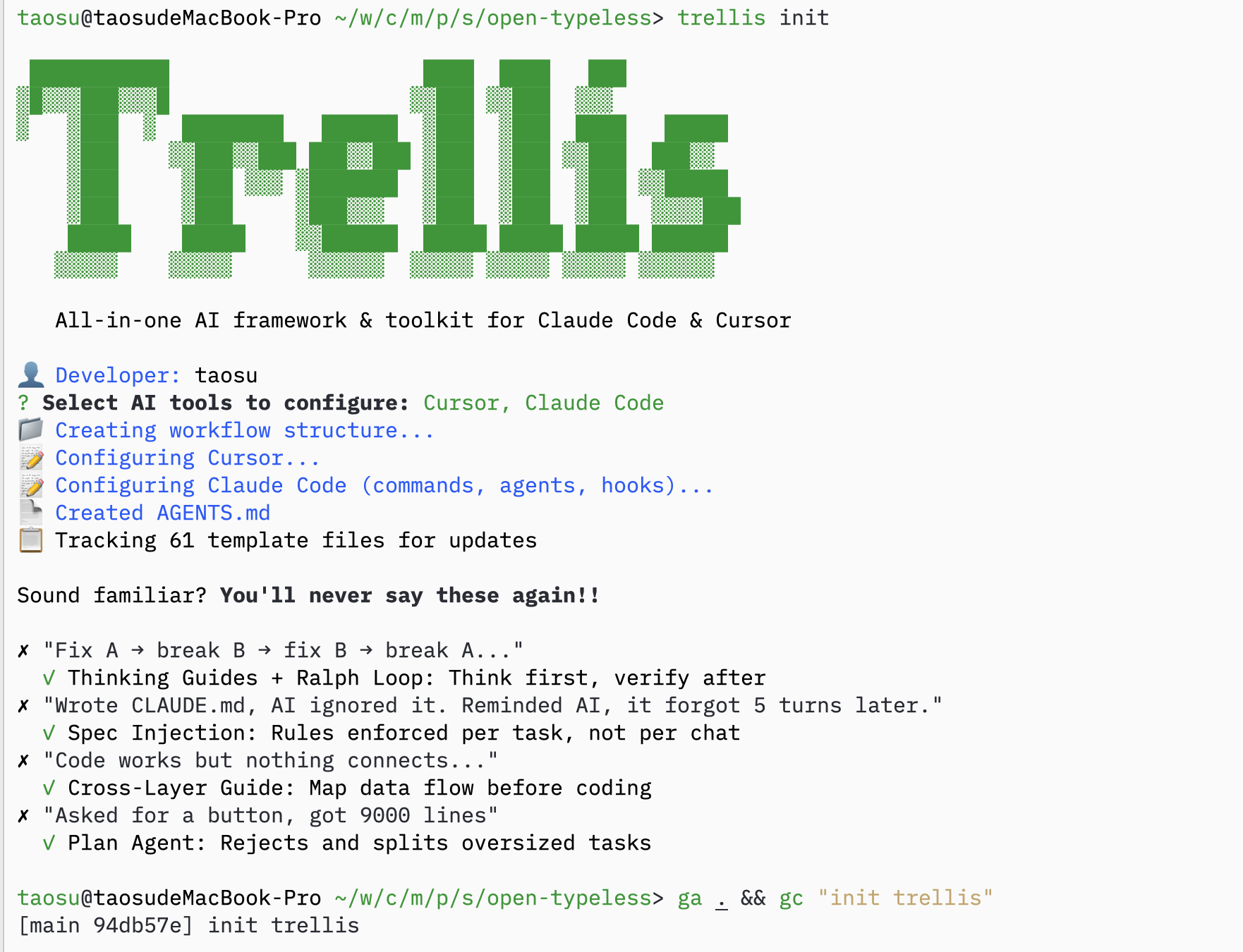
1.2 Initialize Trellis
1.3 Copy Specs from Existing Project
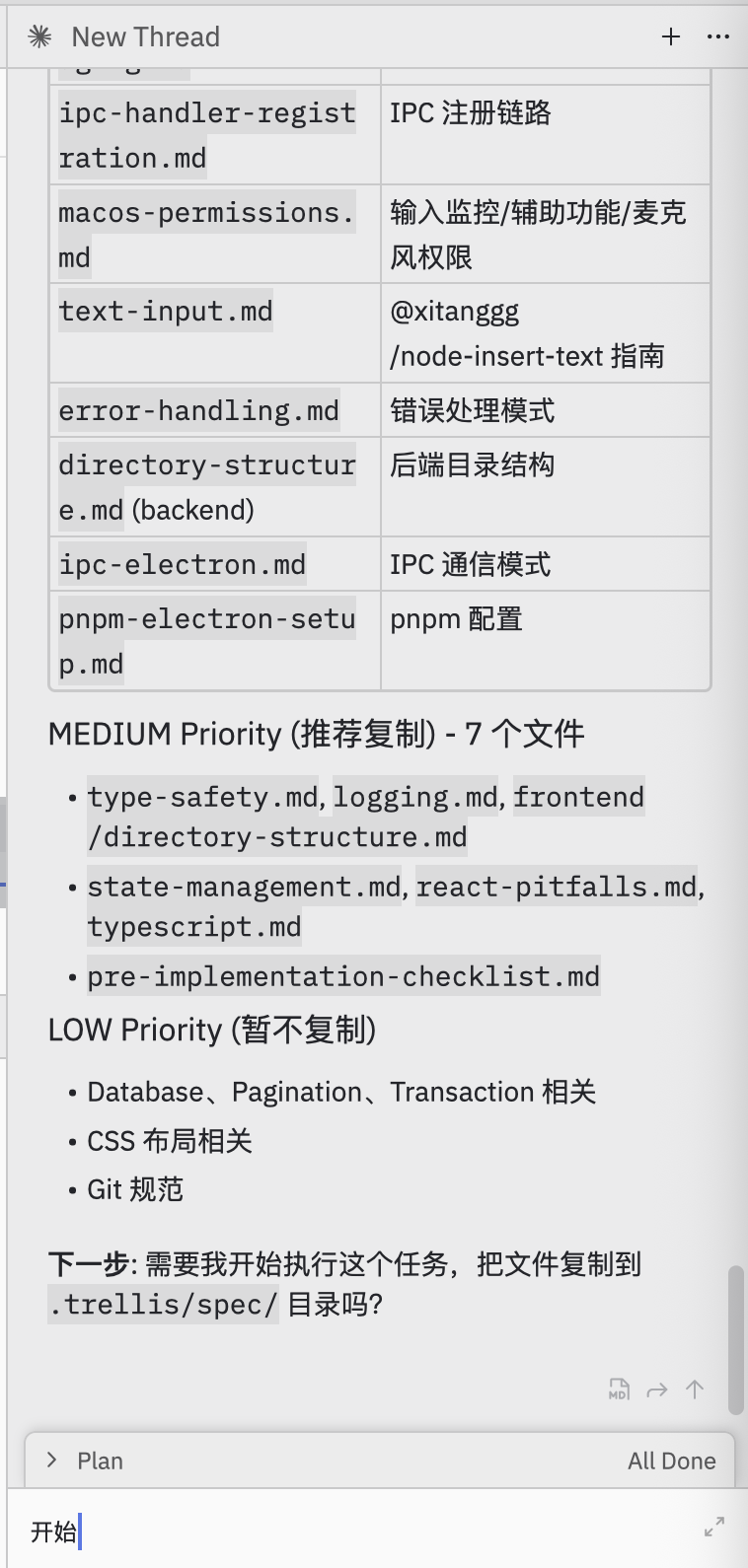
If you have specs from a similar project, copy them over:1.4 Ask AI to Fill in Specs
Prompt:Help me select useful specs from electron-doc/ and organize them into this project’s .trellis/spec/AI will analyze and organize specs:
Step 2: Task Planning
2.1 Ask AI to Plan Tasks
Prompt:I want to use Volcengine ASR BigModel API to build this. Help me plan how to break down the tasks.AI creates a batch-based task plan:

2.2 Create Tasks
AI creates tasks organized into batches: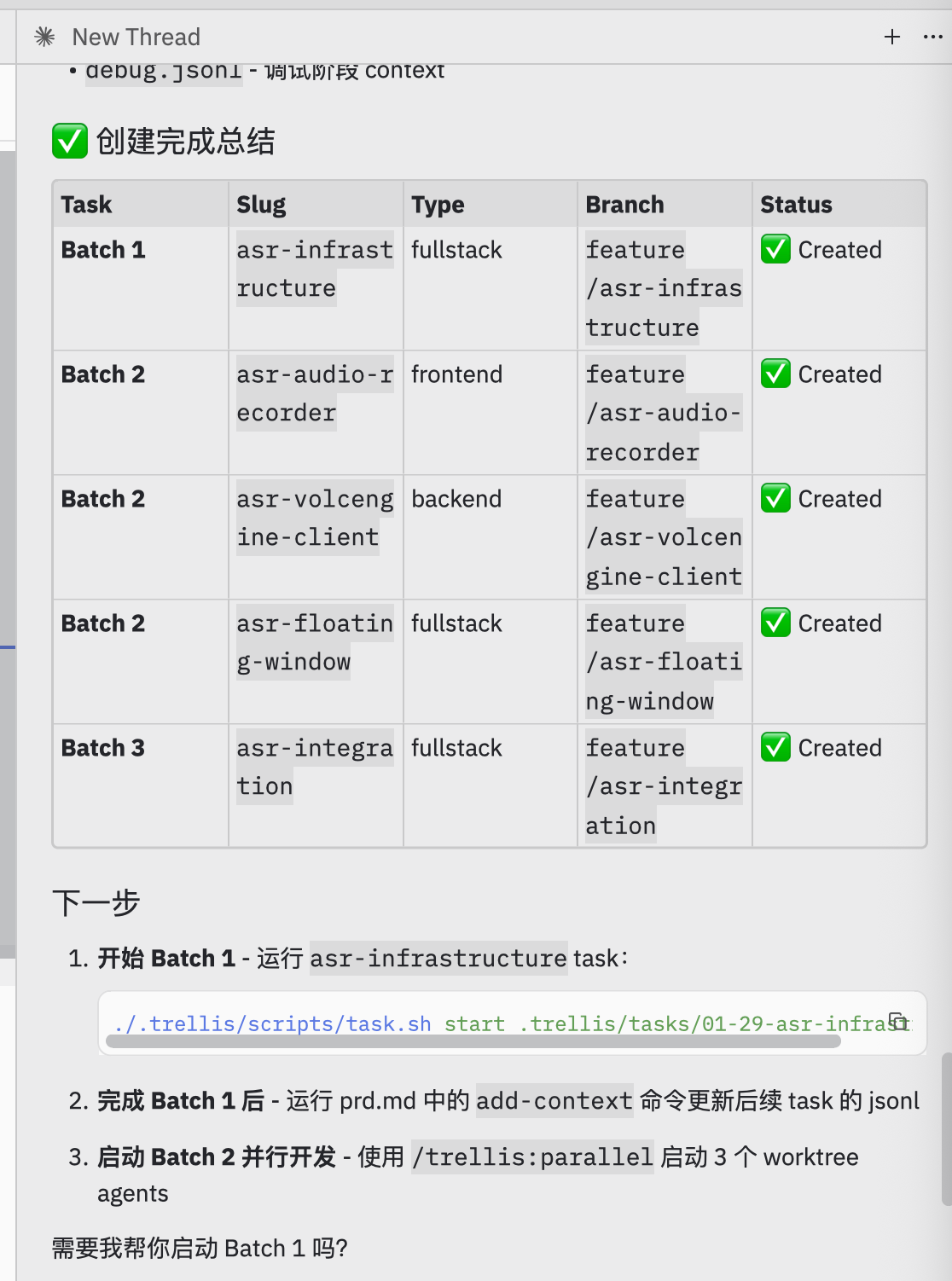
2.3 Complete Batch 1
After Batch 1 completes, verify and update downstream task contexts: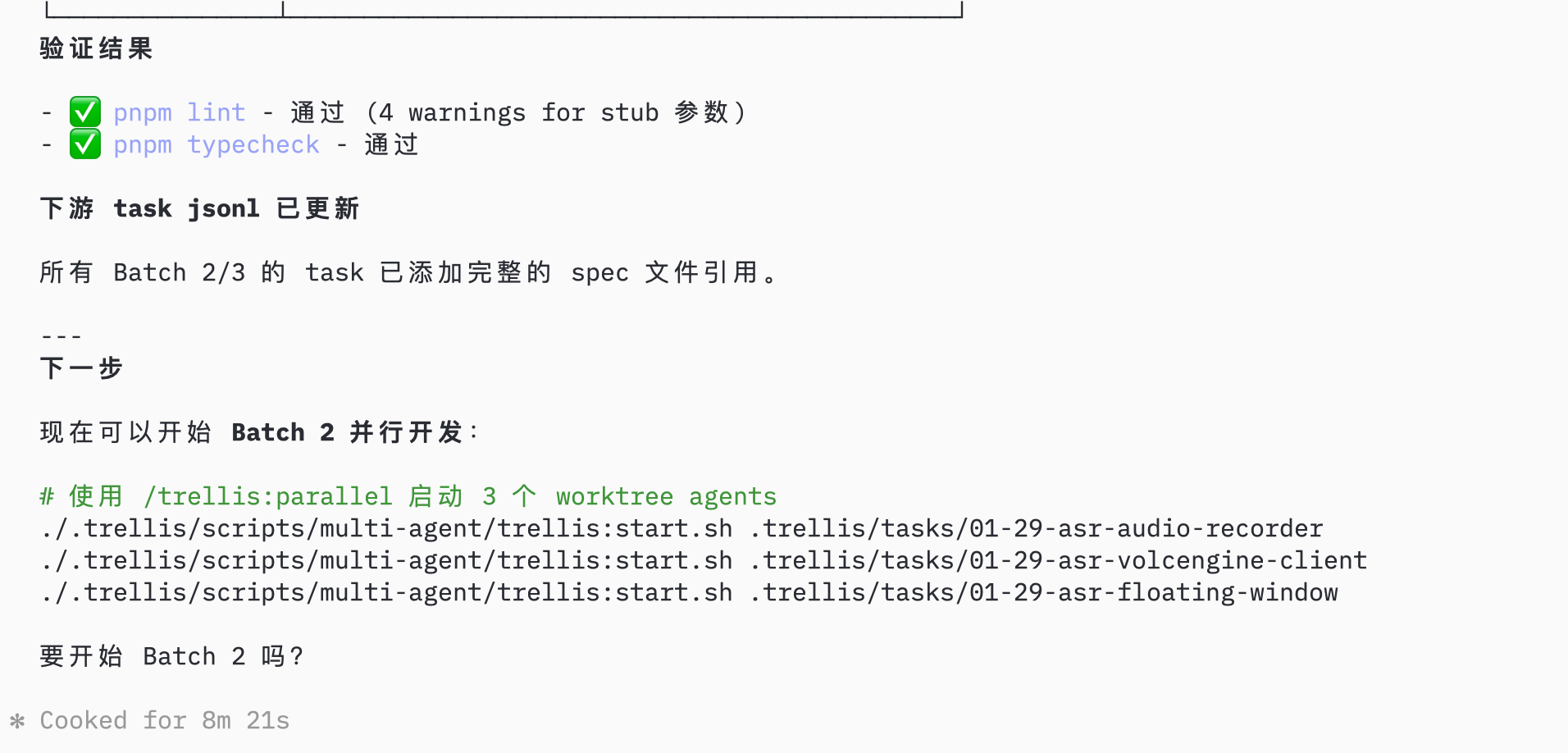
Step 3: Parallel Development
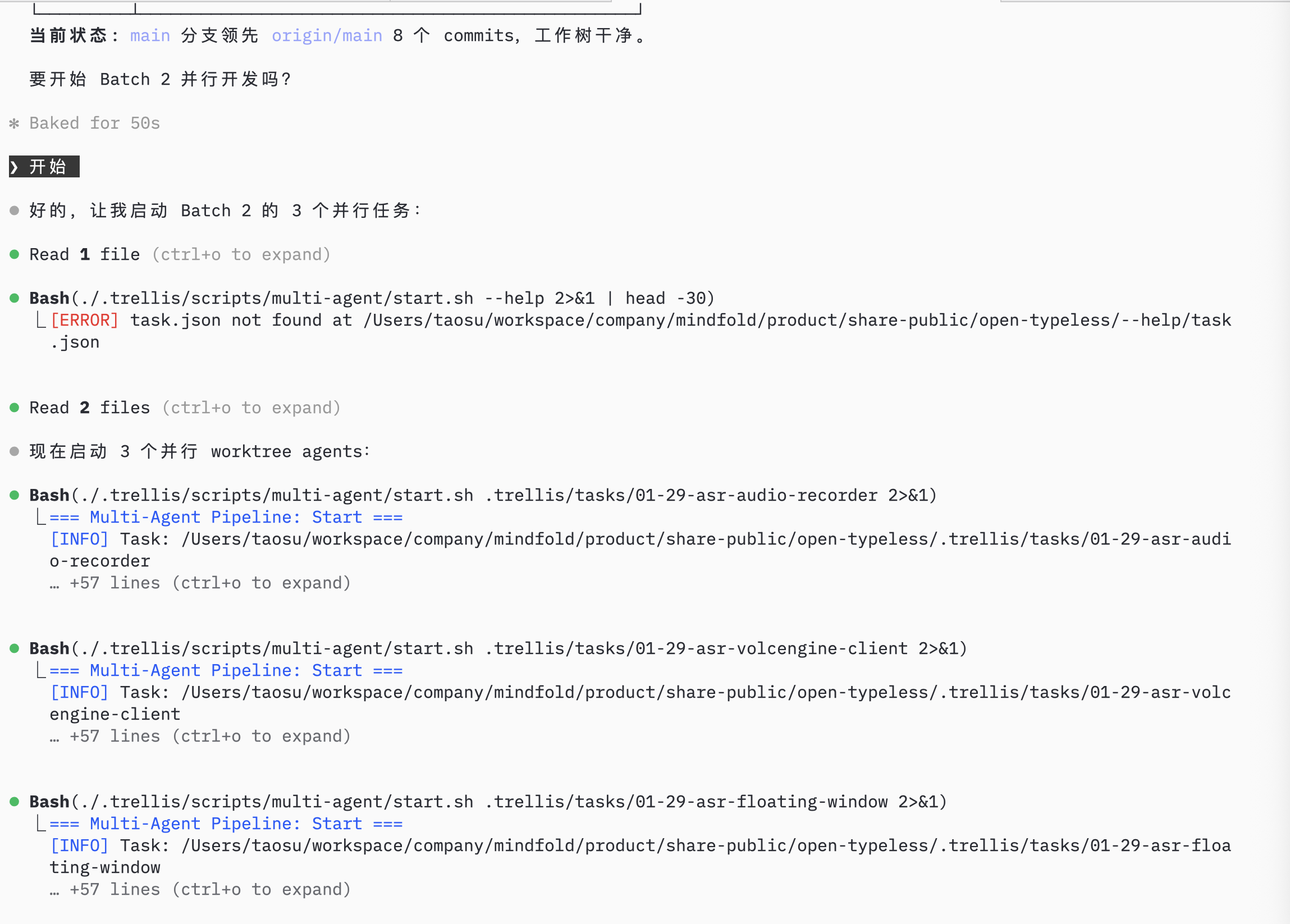
3.1 Start Parallel Agents
Prompt:/trellis:parallel
AI launches 3 worktree agents for Batch 2, each working in an isolated git worktree:
Step 4: Monitor Progress
4.1 Check Agent Status
AI monitors agent status and task progress: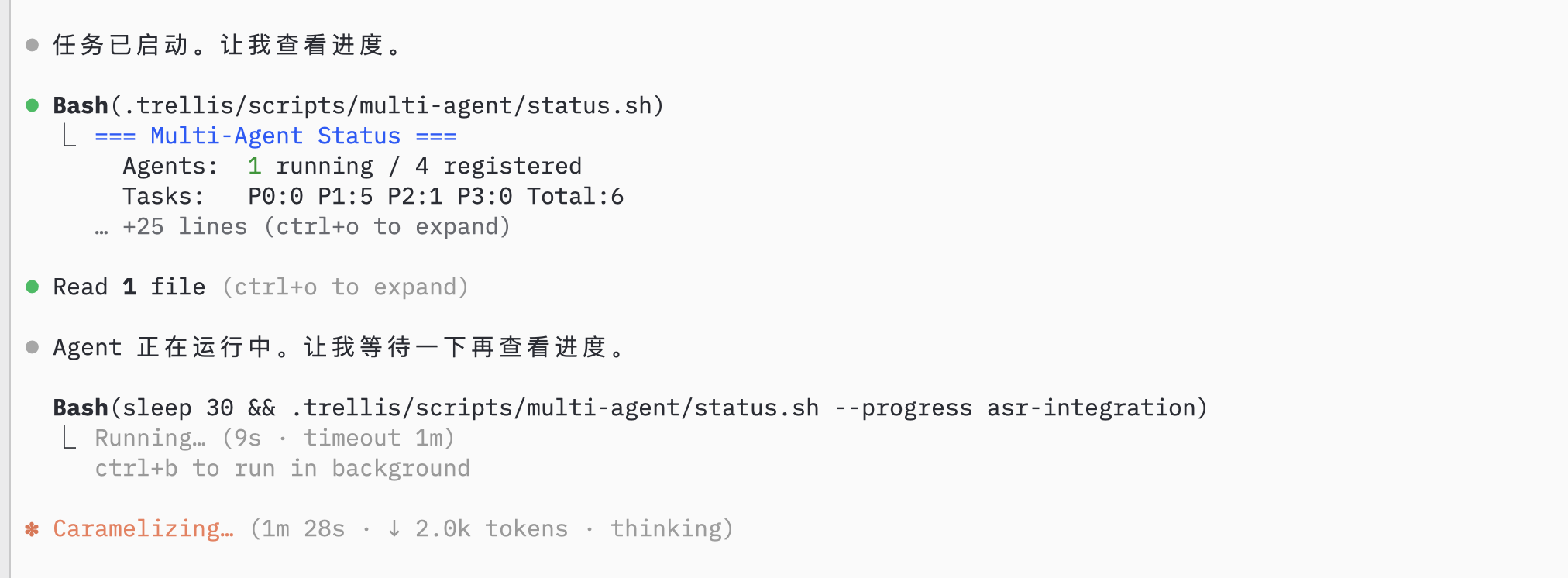
4.2 Record Session
After parallel agents complete, they create PRs automatically: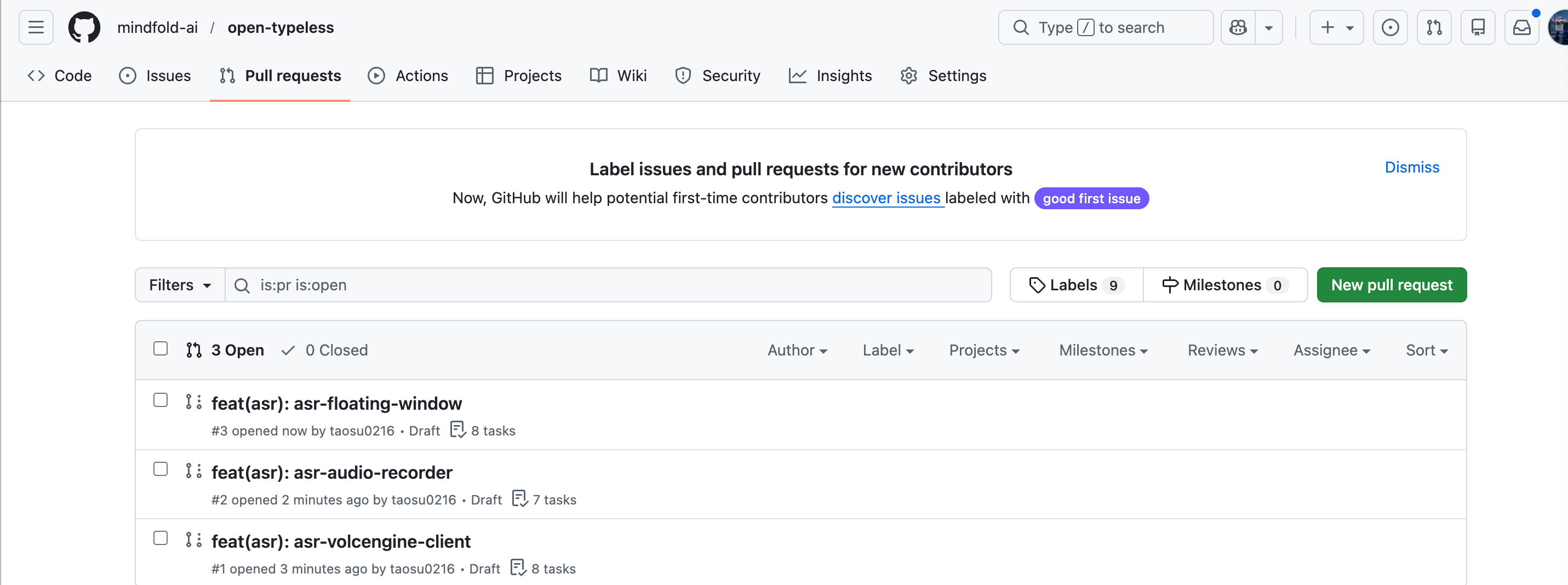
/trellis:record-session
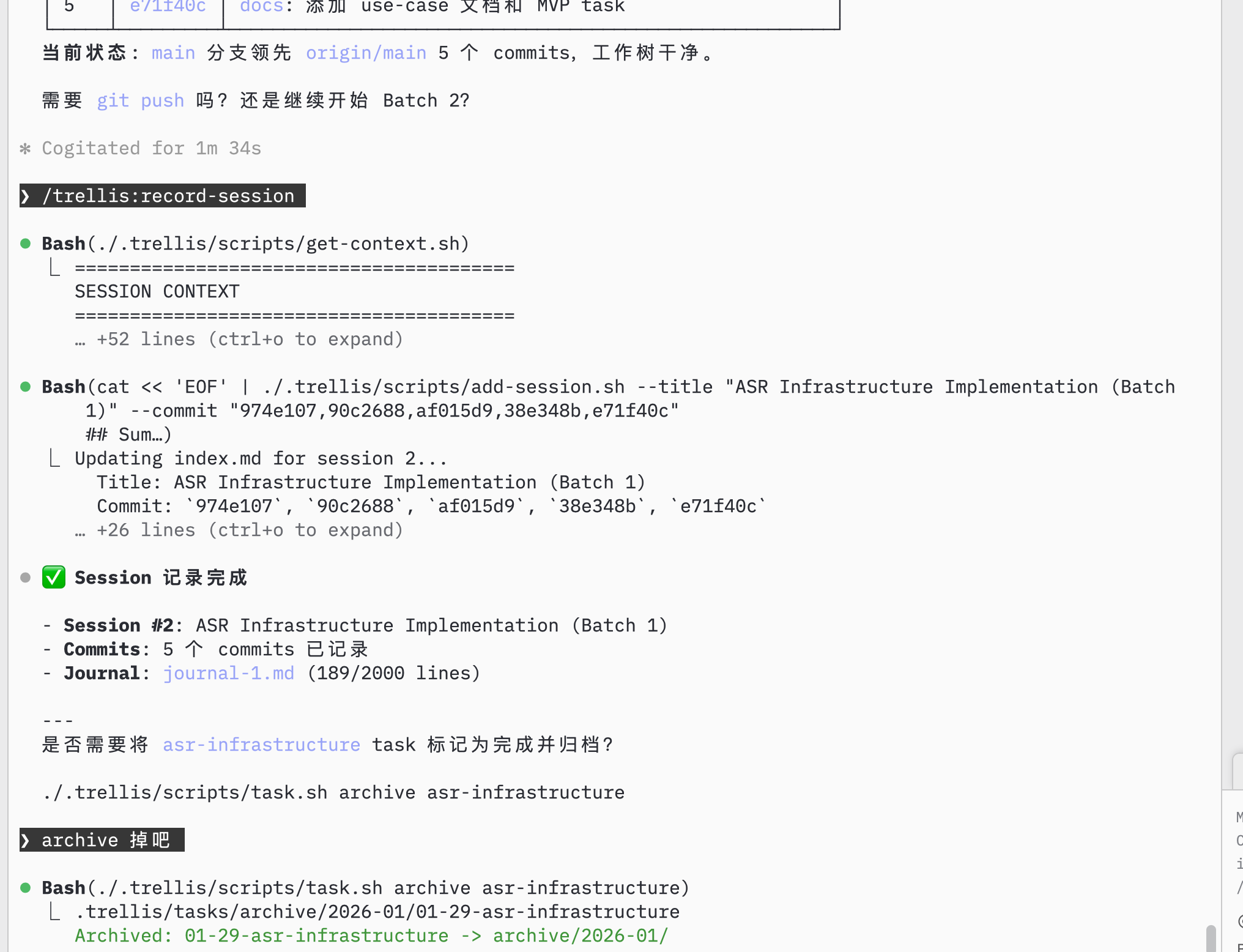
Step 5: Continue Development
5.1 Check Remaining Tasks
AI shows remaining tasks in the current project: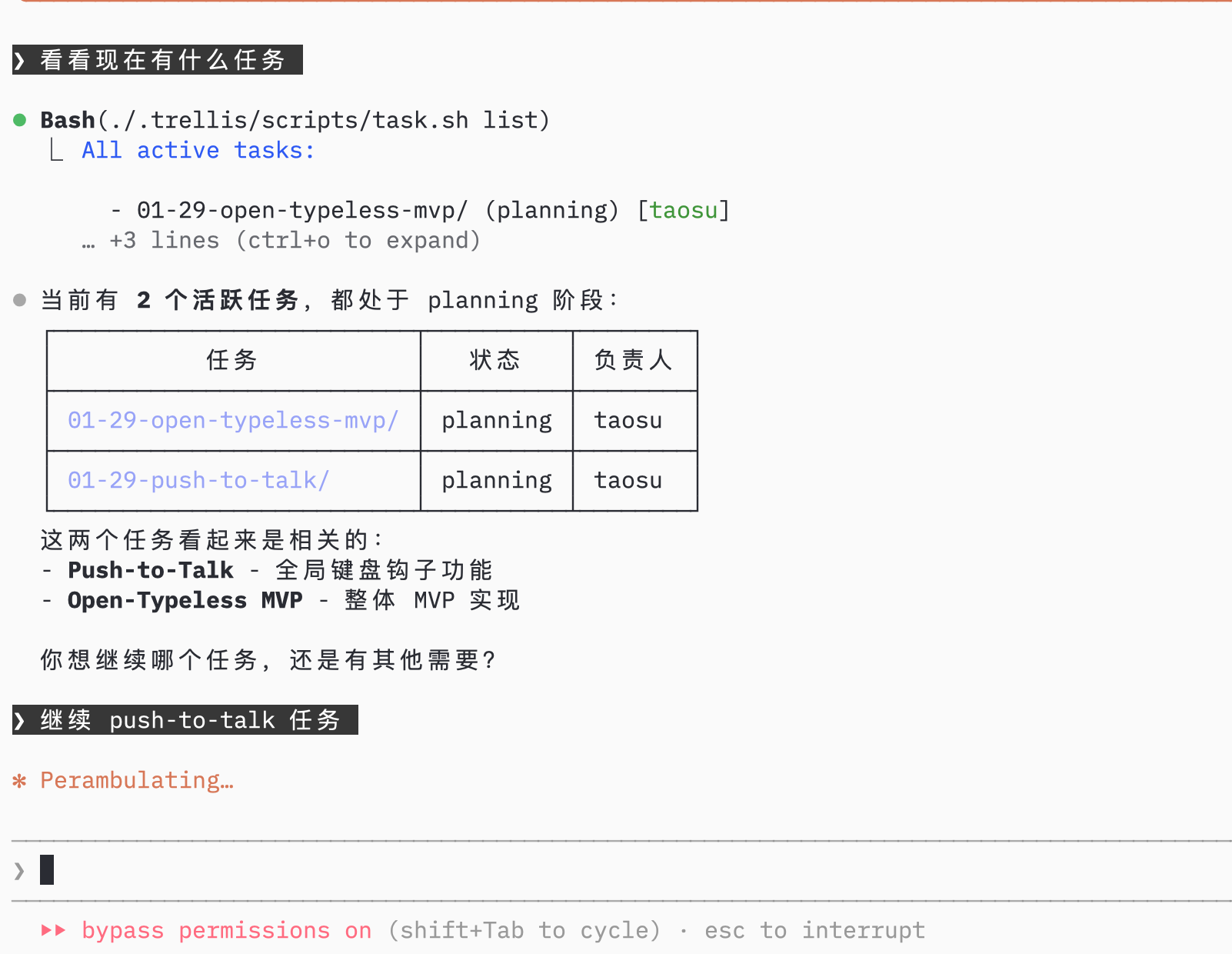
5.2 Implement Next Feature
Select the next task, AI uses implement agent then check agent: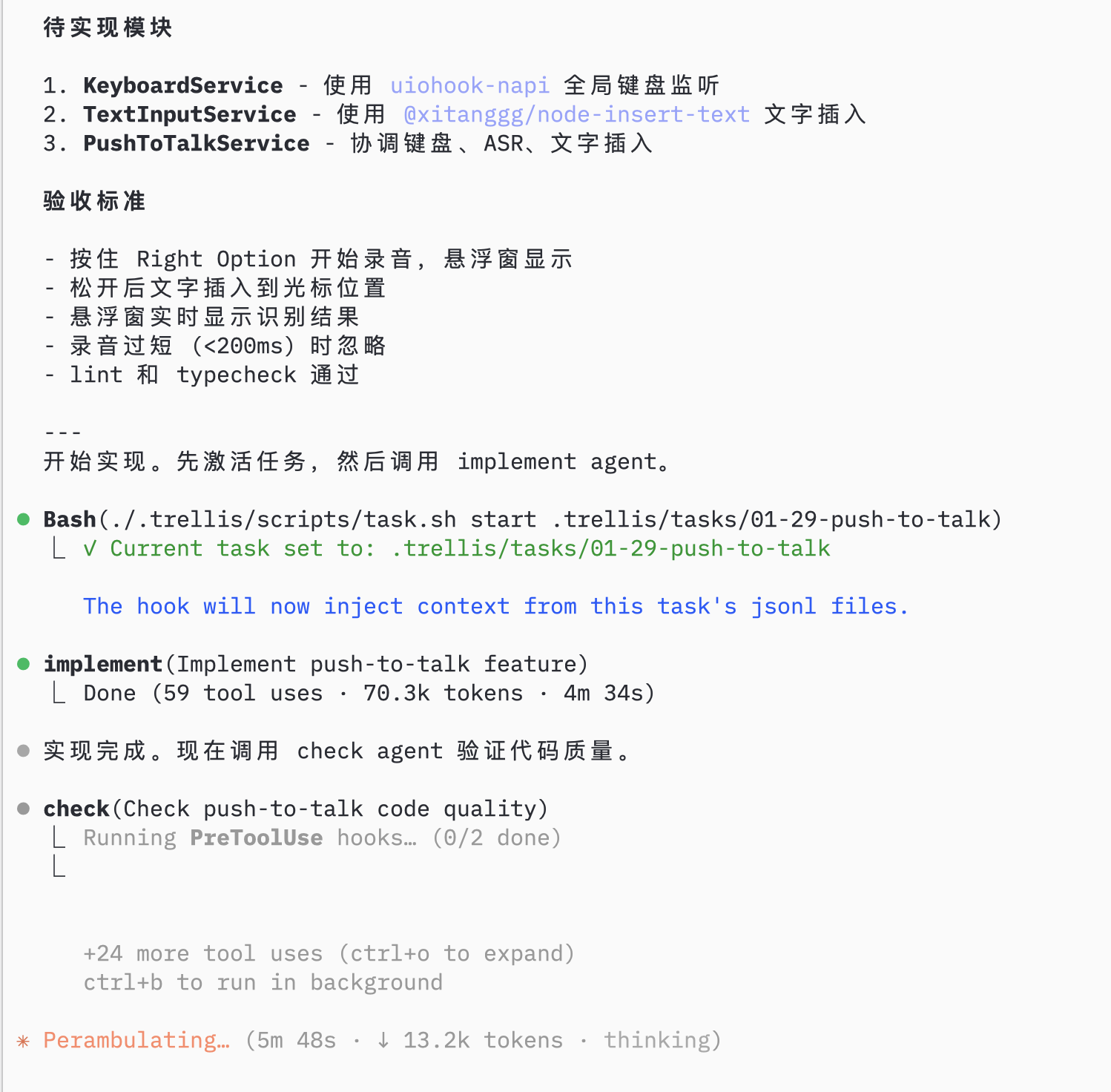
5.3 Configure and Test
AI helps with remaining setup (environment config, permissions):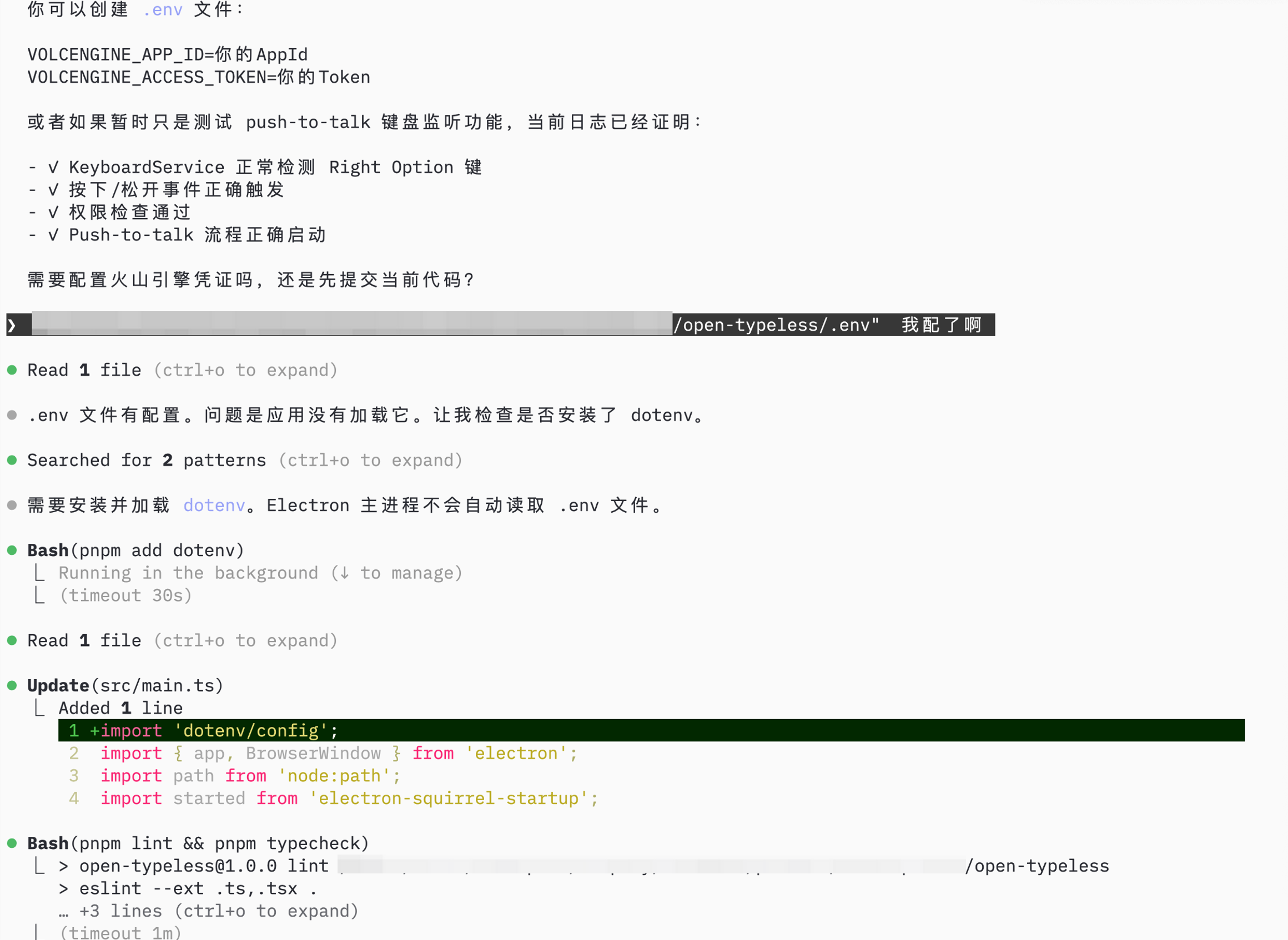
Summary
Using Trellis to build open-typeless:
Result: Complete Electron app in 1 day, with structured specs and documented progress.